
Reporting Overview
In the reporting overview it is possible to access the project living tables. The the data in these tables is always up-to-date with the latest information submitted in a project report.
There are two Living tables: one monitoring indicators and one monitoring financial progress.
Who can see these tables?
If a user can see the project report it can also see the indicator living table and project financial living table.
If the user can see a partner and their respective partner reports the user will also be able to see the partner financial living tables.
The reporting overview and it’s sub sections only show up from the status Contracted onwards.
Indicator Living Table
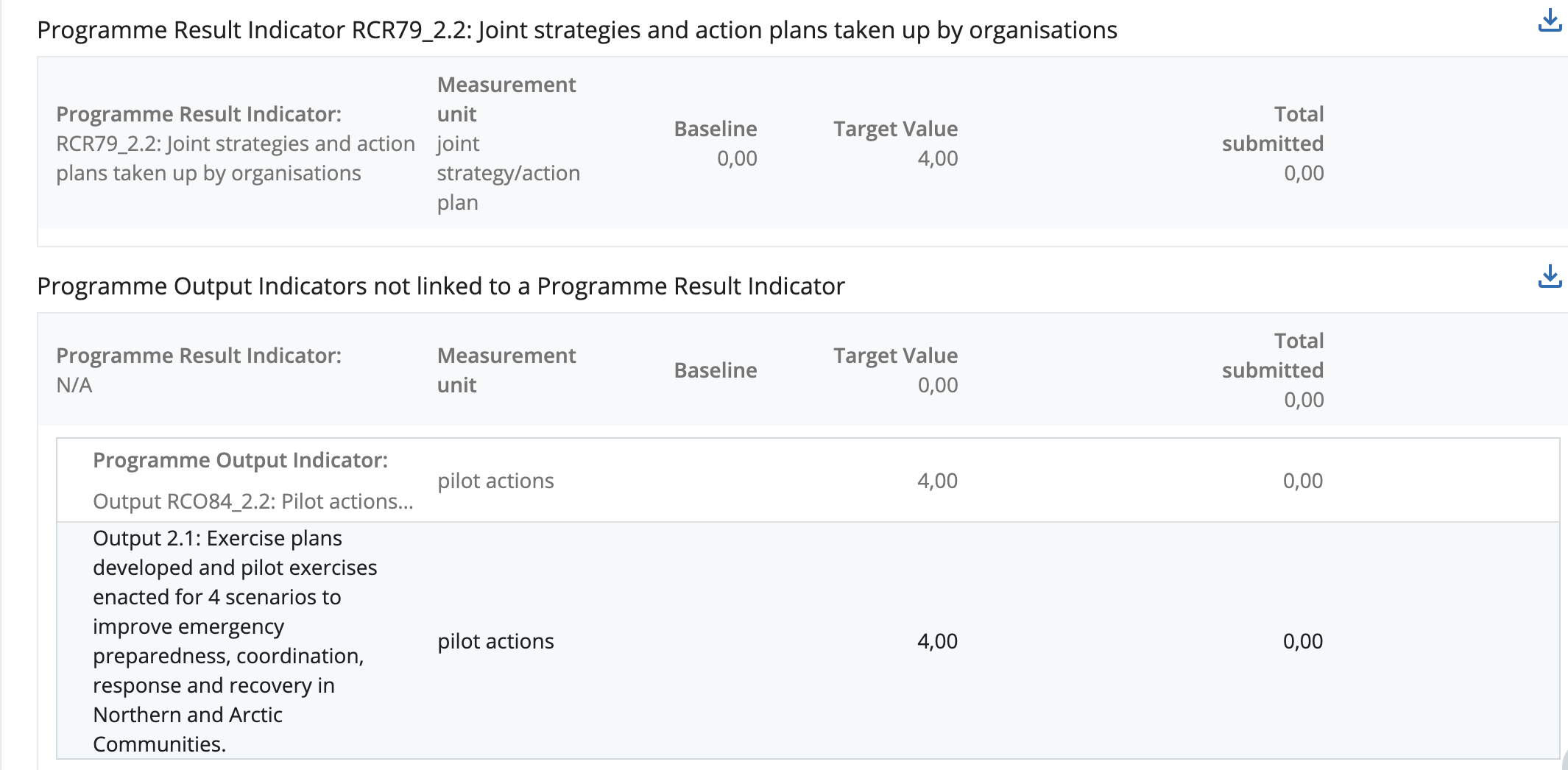
This overview table represents a cumulative table of all indicators planned versus achieved in the respective project.
The first values come from the Application form and are updated immediately when a project modification is carried out. The last column relates to all values submitted in project reports. Whilst project reports can show historic values, the Indicator living tables are always up to date.
The rows always start with the result indicator and the achieved results.
All achieved results and outputs are summed up in the indicator row to show also the achievement per indicator and not only per output.
Financial Living Tables
Similar as the indicator living tables the financial living table aggregate data from Application Form and from reporting including payment.
There is one tab for the overview at project level and one tab for each partner level overview.
For all the living tables below whenever any of the following actions take place these tables will most likely change in the respective column:
A project modification
Submission of a new partner report
Certifying a partner report
Submission of a project report
Finish verification of a project report
Payment based on financial project reports
Setting Lump-Sum to ready for payment and paying them.
Reopening or reverting any of the above mentioned actions

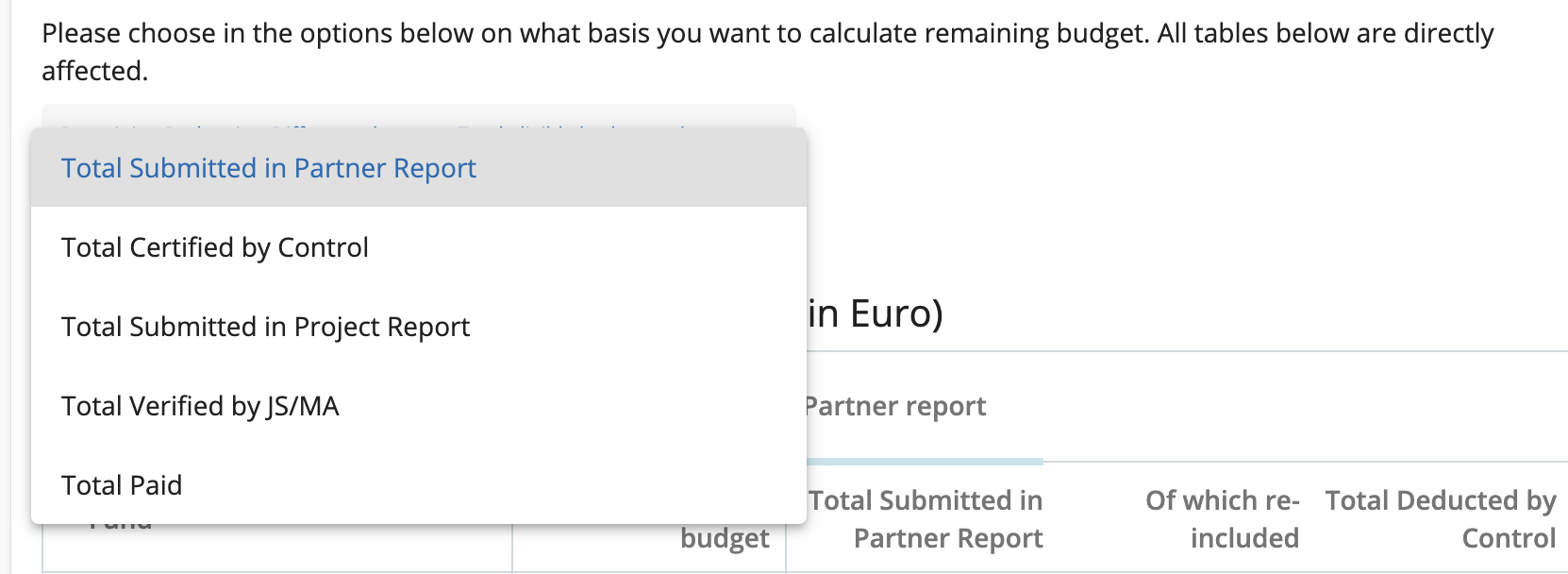
NOTE - The column Remaining budget is flexible.
In the dropdown above the living tables users can choose if the Remaining budget is Application form budget minus alternatively: Submitted in partner report, Certified, Submitted in project report, Verified or Paid amounts.
Project Financial Living tables
The project financial living tables are the first 3 Financial overview tables in any finance or full project report showing up-to-date data.
Partner financial living tables
The partner financial living tables are split into a tab per partner.
Depending on privileges, a user might see or not see certain partners (e.g. in the case of a controller being assigned to one partner).